
To save your own Snapchat video, open Memories, long-press the video, then choose "Export". If you instead have a link to a video you are allowed to keep, try it with All Downloader: downloads depend on access to the content and the options available.


Copy the link to an accessible video
If the video is in your Memories, export it directly from Snapchat. For a received video, ask the author's permission and, if possible, request the original file. If you have a shareable link to authorized content, copy the exact link to that video.
Paste the link into All Downloader
Paste the full address into the designated field, then start the analysis. The link must point to the video itself. A profile link, a private conversation link, or an expired link may not be recognized.
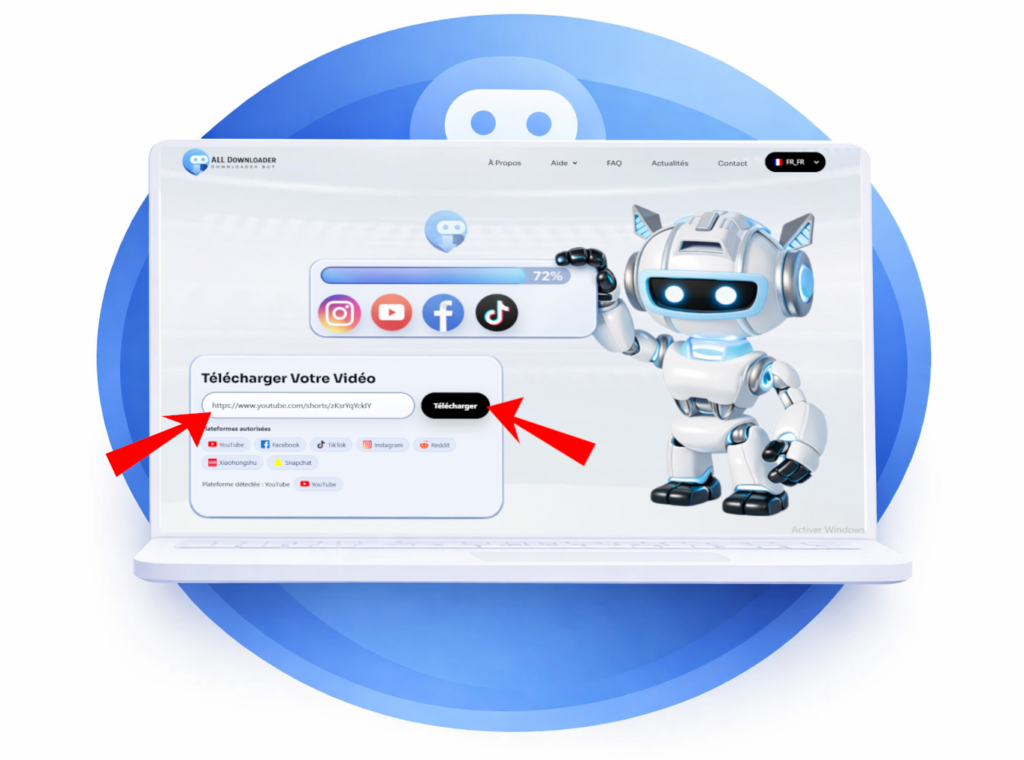
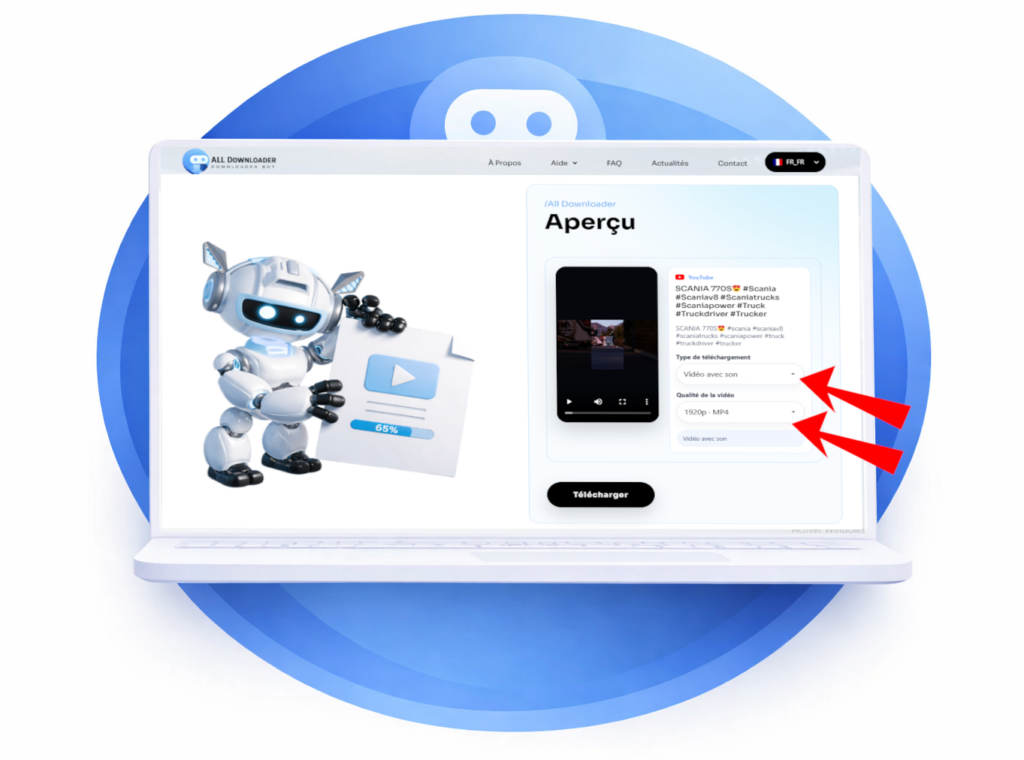
Choose an available option
If the video is accessible and compatible, check the preview and choose one of the available options. The quality and presence of audio depend on the source content. If no option appears, proceed to link verification.
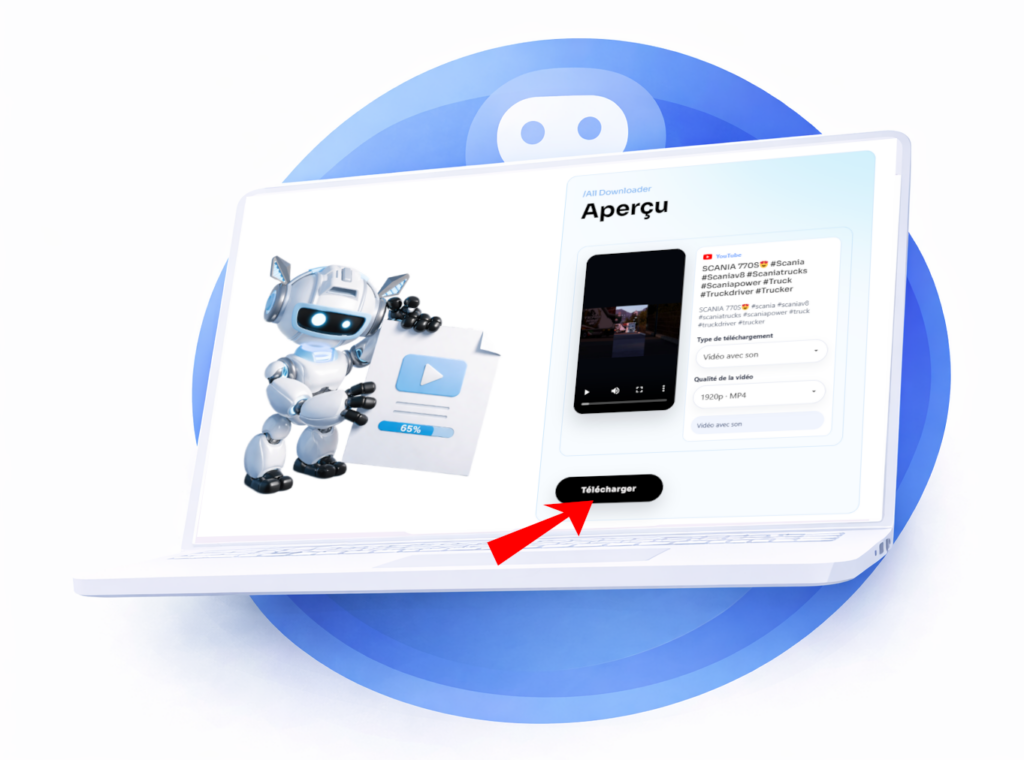
Download and verify the file
Start the download if an option is offered, then open the file to check the video and audio. If the analysis fails, the link may be incomplete, private, expired, or unsupported. See our guide. on invalid video links before trying again.
To learn the differences between Spotlight, Stories and Memories, see our guide for saving a Snapchat video. For your own Memories, prefer exporting from Snapchat.
Paste the link to a public video from a compatible source. If All-Downloader can analyze it, choose from the options shown. Private, removed, or login-required content is generally not accessible.
Quality depends on the file available at the source. All-Downloader cannot recreate details lost during publishing or provide a resolution the source does not supply.
Yes, if you have the right to download it and you respect the creator's rights as well as the platform's rules. Downloading a video does not automatically give you the right to republish it or use it for commercial purposes.
Yes, All Downloader is free and available without registration. Just paste the link to a public video to see the available download options.