
Copy the exact link of a public Xiaohongshu video post that you are allowed to keep. All-Downloader may show options if the video is accessible and compatible. A profile link, private content, or a removed post may fail to parse.

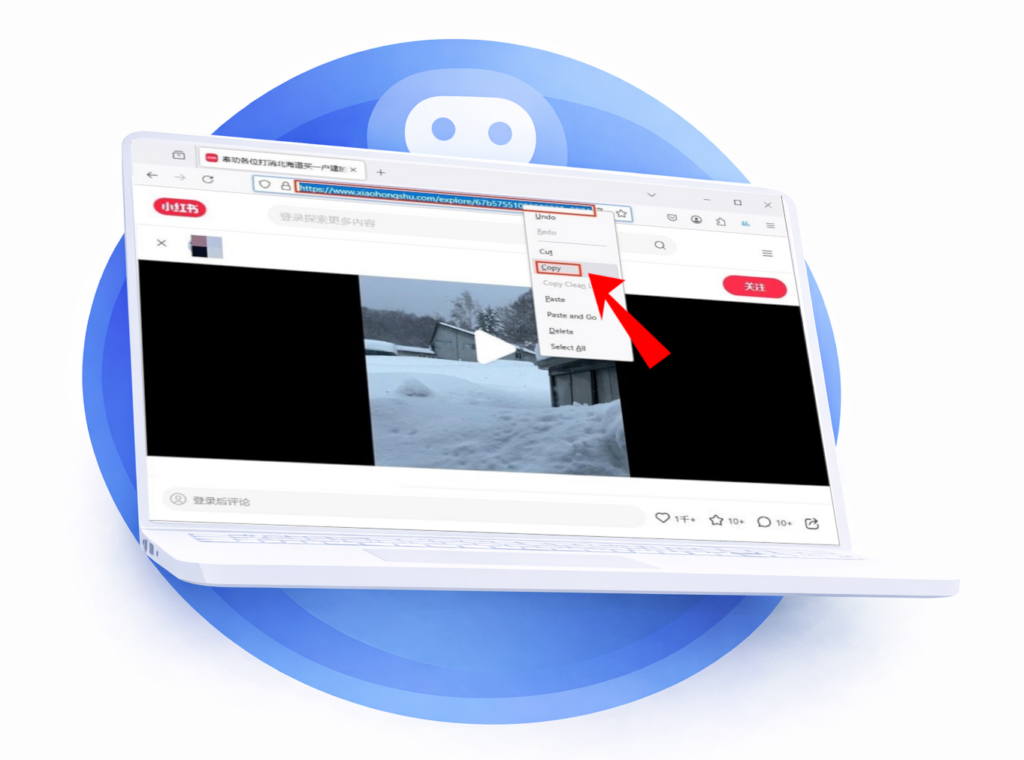
Open the video post and use its share function to copy the link.
Paste only this link into the All-Downloader field.
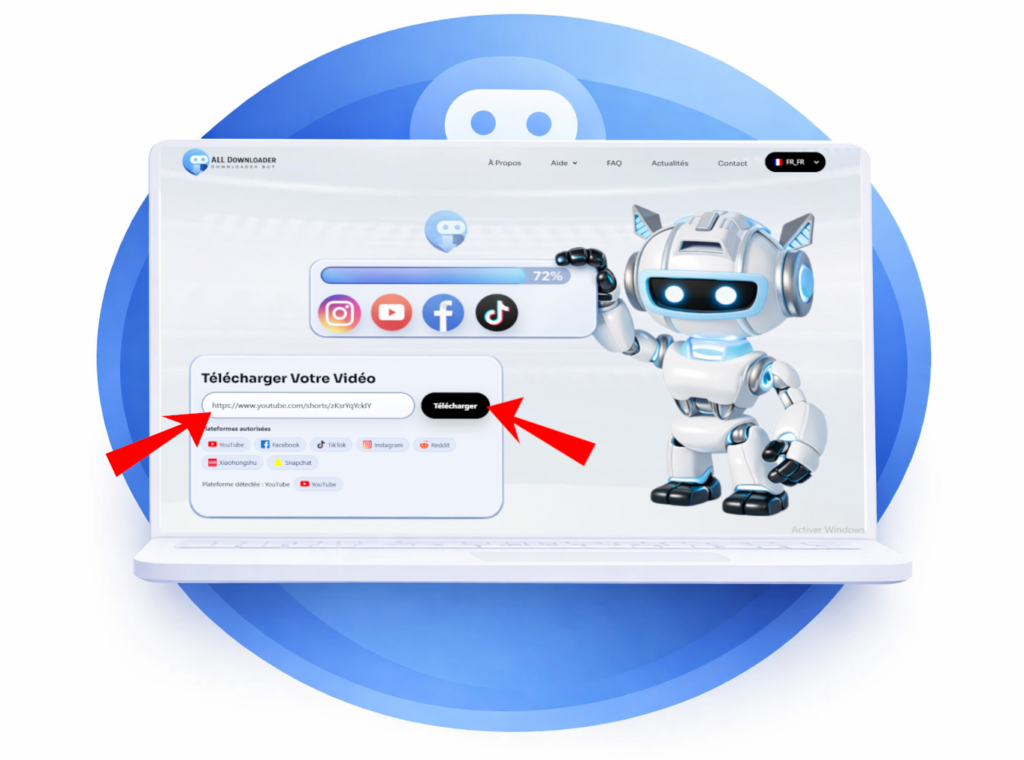
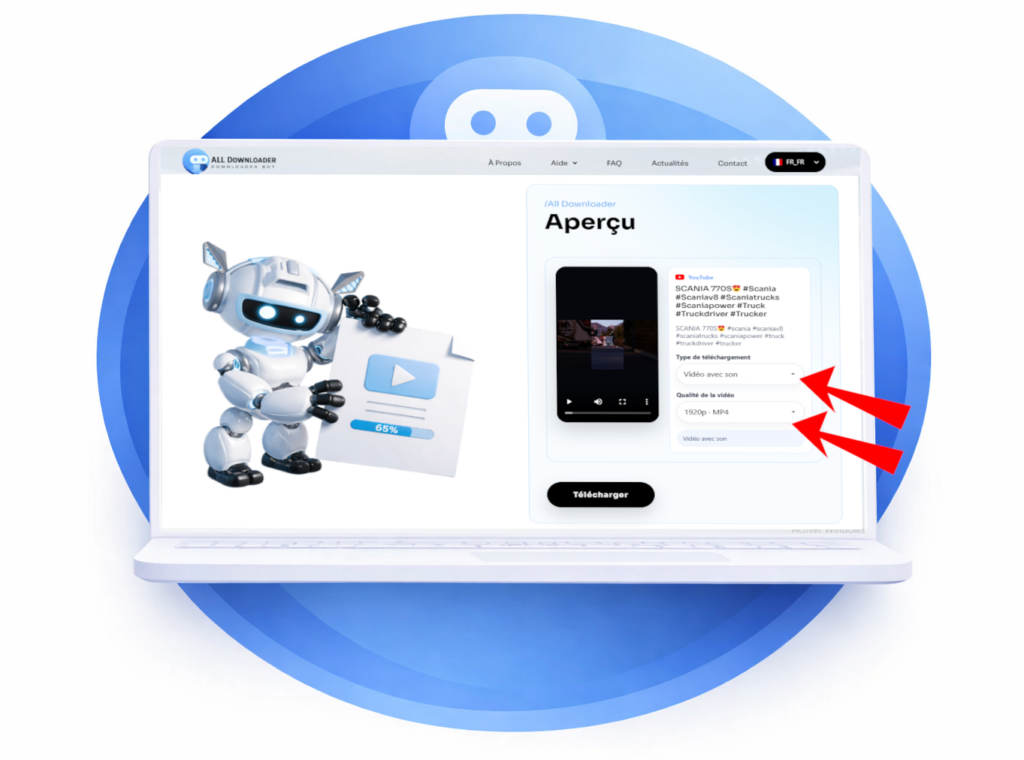
Run the analysis and review the options displayed if the video is recognized.
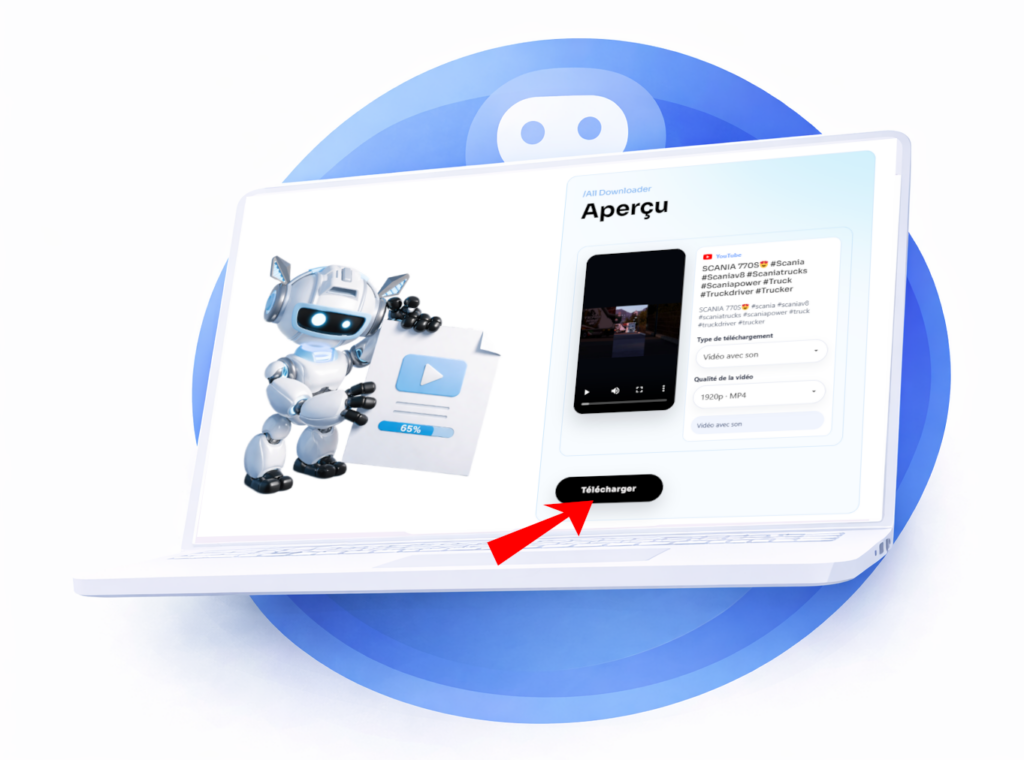
Choose an available format, download the file, then check playback and audio.
A profile link, a private or deleted post, a page requiring login, or an unsupported format can prevent parsing. If you want to save your own video, use the original file or the export feature offered by Xiaohongshu.
Xiaohongshu link not recognized? Check that it points to the video post and not to the profile. Our guide to copying the correct link for a video explains the checks to make before trying again.
Paste the link to a public video from a compatible source. If All-Downloader can analyze it, choose from the options shown. Private, removed, or login-required content is generally not accessible.
Quality depends on the file available at the source. All-Downloader cannot recreate details lost during publishing or provide a resolution the source does not supply.
Yes, if you have the right to download it and you respect the creator's rights as well as the platform's rules. Downloading a video does not automatically give you the right to republish it or use it for commercial purposes.
Yes, All Downloader is free and available without registration. Just paste the link to a public video to see the available download options.