
How to download a podcast for offline listening?

You're going on a trip, taking public transport, or want to listen to your favorite show somewhere with no network? Downloading a podcast in advance lets you keep listening when an Internet connection isn't available. Spotify and Apple Podcasts offer offline listening options for compatible episodes. But an episode downloaded in […]
How to download all your Google Photos to a computer or hard drive?
Your memories are saved in Google Photos, but you also want to keep a copy on your computer or on an external hard drive? You can download one photo at a time or export a larger portion of your library with Google Takeout. The right method depends on your goal. To retrieve a few […]
How to open a ZIP file on iPhone, Android, and PC?
You just downloaded a ZIP file but don't know how to access the documents it contains? Whether you're using an iPhone, an Android phone, a Windows PC or a Mac, it's usually possible to open it in a few steps. A ZIP file is an archive that can bundle multiple items into a […]
Why is an image saved as WebP? How do I convert it to JPG or PNG?

You saved an image from the Internet, but its name ends in .webp instead of .jpg or .png? Then you try to add it to a document, send it or open it in an application, but the file isn’t recognized. WebP is an image format used on many sites. […]
How do I play a video on loop with VLC on PC, Mac, and Android?

Do you want to watch a video repeatedly without having to press "Play" at the end each time? To follow a tutorial, rehearse a choreography or stream your own video on a display, looping playback can be very useful. With VLC you can generally repeat an entire video or loop a playlist of […]
Video too large to send by email: what to do?
You want to send a video by email, but your mail service says the file is too large? This often happens with videos shot on a phone, screen recordings and files downloaded in high definition. The good news is you don’t necessarily need to delete part of your […]
How do I speed up or slow down an MP4 video?

Do you want to slow a gesture to show it more clearly, speed up a sequence that’s too long, or change the speed of a tutorial before sharing it? To speed up or slow down an MP4, use editing software to adjust the speed of the section, then export a new file. There are two different use cases to consider […]
Merge multiple MP4 videos into one: a simple method on your computer
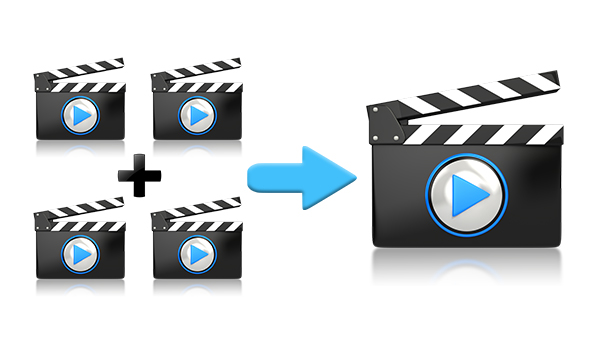
You have several clips and want a single file to watch or share? To merge MP4 videos, you can put them back-to-back in editing software and then export the combined file. If the files have compatible technical characteristics, concatenation without re-encoding may also be possible. Here’s how to choose […]
How to rotate an MP4 video and save the result?
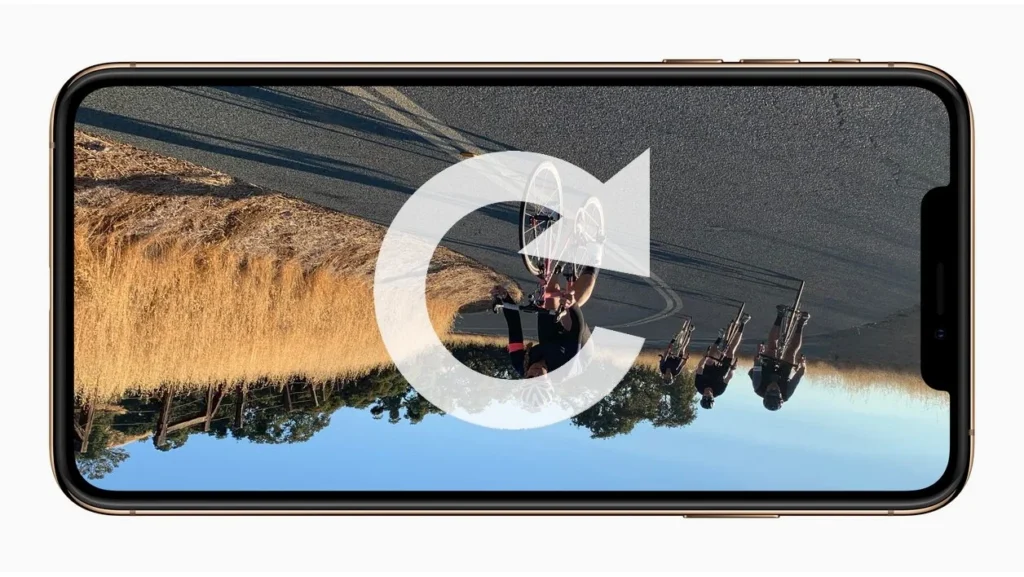
Does your video open rotated or completely upside down? To rotate an MP4 and save the result, use Shotcut: open the file, correct its rotation in the properties, check the project format, then export a new video. Be careful not to confuse an orientation fix with a […]
How to cut an MP4 video without losing quality ?
Do you want to remove the start of a recording, trim a downloaded video or keep only a particular segment? To cut an MP4 without losing quality, the method is to export the excerpt without re-encoding the video and audio tracks. A tool like LosslessCut can do this on compatible files. However, there is a […]