

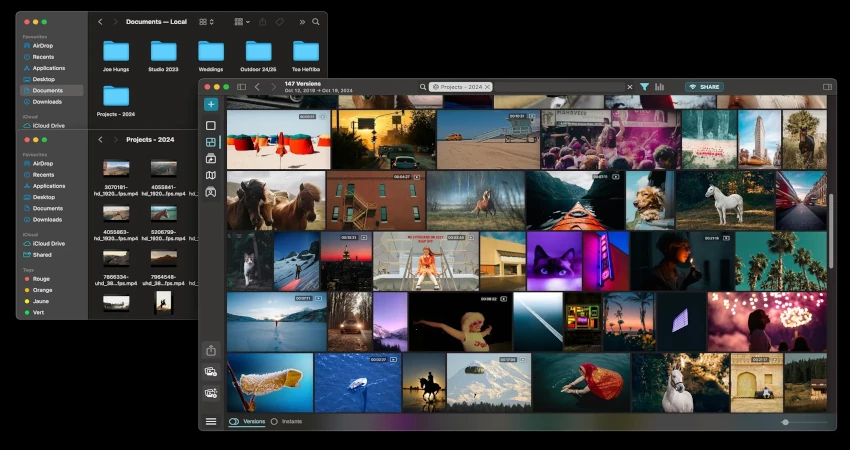
Our phones today contain a large part of our lives: family memories, trips, pets, events, professional videos, social media content, tutorials, interviews or client projects. Yet many people keep all their videos in the same place, often only on their smartphone or their computer. The problem is simple: a breakdown, theft, accidental deletion or a damaged hard drive can erase years of memories.
Backing up personal videos online is therefore an essential habit. It helps protect your files, makes them easy to find, simplifies sharing, and frees up space on your devices.
Why back up your videos online?
A video takes up much more space than a photo or a document. The higher the recording quality, the larger the files. With Full HD or 4K videos, a phone can quickly fill up. Online backup lets you keep a secure copy without relying solely on local storage.
It's also useful for content creators. If you shoot videos for Instagram, TikTok, YouTube, or your website, losing your raw footage can be very damaging. Good organization lets you find an old video, re-edit it, or republish content adapted to another platform.
The simple rule: never keep just one copy
The basic rule is simple: an important file should never exist in only one place. If your videos are only on your phone, they aren't really secure. Ideally you should have at least two copies: one on your device or hard drive, and another online.
For very important videos, you can even apply the 3-2-1 rule: three copies on two different media, with one copy stored off-site. For example: phone, external hard drive, and cloud storage.
Choose a suitable cloud service
Several solutions let you back up personal videos: Google Drive, iCloud, OneDrive, Dropbox, pCloud, or connected NAS solutions. The choice depends on your budget, required storage space, and habits.
If you already use an iPhone, iCloud can be convenient. If you use Android or Google Photos, Google Drive and Google Photos may be simpler. For professional use, Dropbox or OneDrive can make sharing with clients or collaborators easier.
The most important thing is to choose a solution you will actually use. A system that’s too complicated often ends up abandoned.
Organize your videos before sending them
Before backing everything up online, take the time to organize your files. Create clear folders by year, project, or category. For example:
- Family videos
- Animal videos
- Travel videos
- Instagram content
- YouTube rushes
- Client projects
- Personal archives
Also rename your files when necessary. A name like video_2026_vacances_chien_mer.mp4 will always be more useful than a file named VID_2948.mp4.
Compress videos that are too large
Some videos take up a lot of space. Before saving them, you can compress them if you don't need to keep maximum quality. This saves space and speeds up uploading.
Be careful, though: don't compress your only original copy if the video is important. Keep a high-quality version for memories or professional projects, then create a lighter version for sharing.
Check formats
The MP4 format is generally the most convenient for saving, sharing and playing back a video across different devices. MOV files are common on iPhone, but they can be heavier or less convenient depending on use. WebM can be useful for the web, but it's not always ideal for personal archiving.
If you want to keep your videos for a long time, prefer widely compatible formats.
Securing your backups
Backing up online is not enough: you also need to secure your account. Use a strong password, enable two-factor authentication, and avoid sharing your access. If you store private videos, check the privacy settings of the service you use.
For sensitive videos, avoid unprotected public links. Prefer private shares with specific people.
All Downloader and managing your personal content
All Downloader can fit into a system for organizing personal and authorized content. The idea is to better manage your video files, prepare them, retrieve them within a legal framework, and file them neatly. For a creator, backup is as important a step as editing or publishing.
Well-preserved content can be reused later to create a compilation, an archive, a family keepsake, or a new version adapted for social media.
Conclusion
Saving your personal videos online is essential to avoid loss and better organize your content. The most important thing is to never rely on a single device. Choose a reliable cloud service, organize your files, compress videos that are too large if necessary, and secure your access. With a good method, your memories and content remain accessible, protected, and easy to find.